Configuring your MacOSX
You may wish to install WireGuard App from the AppStore: Mac OSX
Step 01 - Go to the AppStore
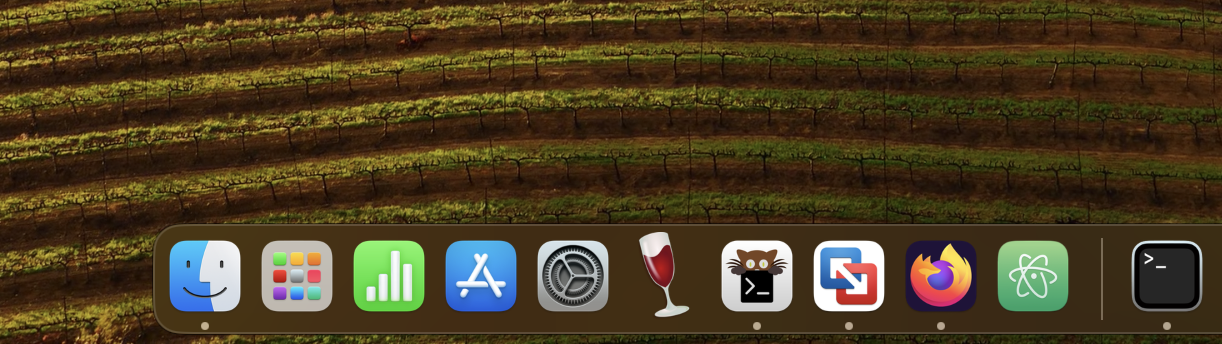
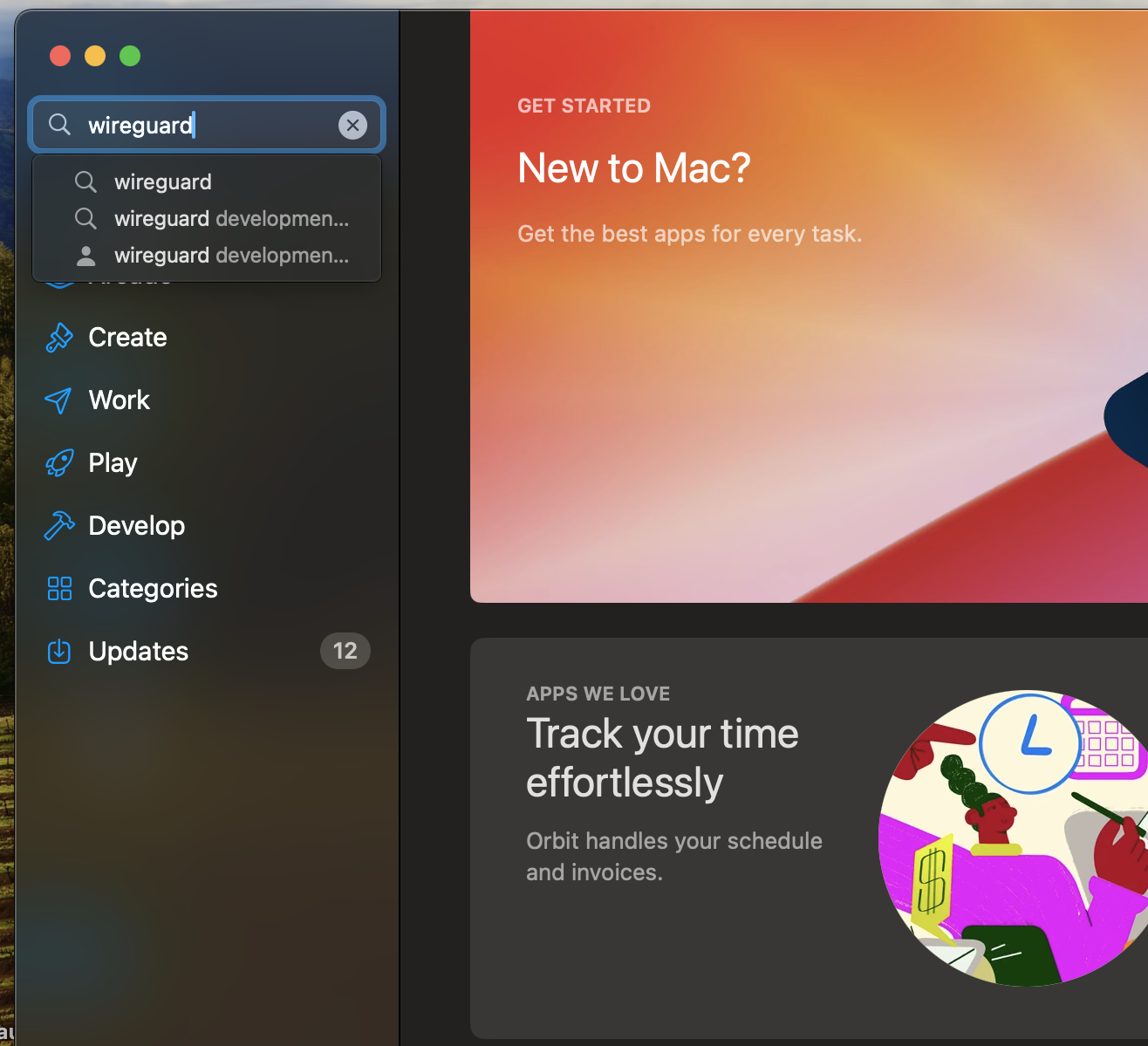
Step 02 - Find WireGuard
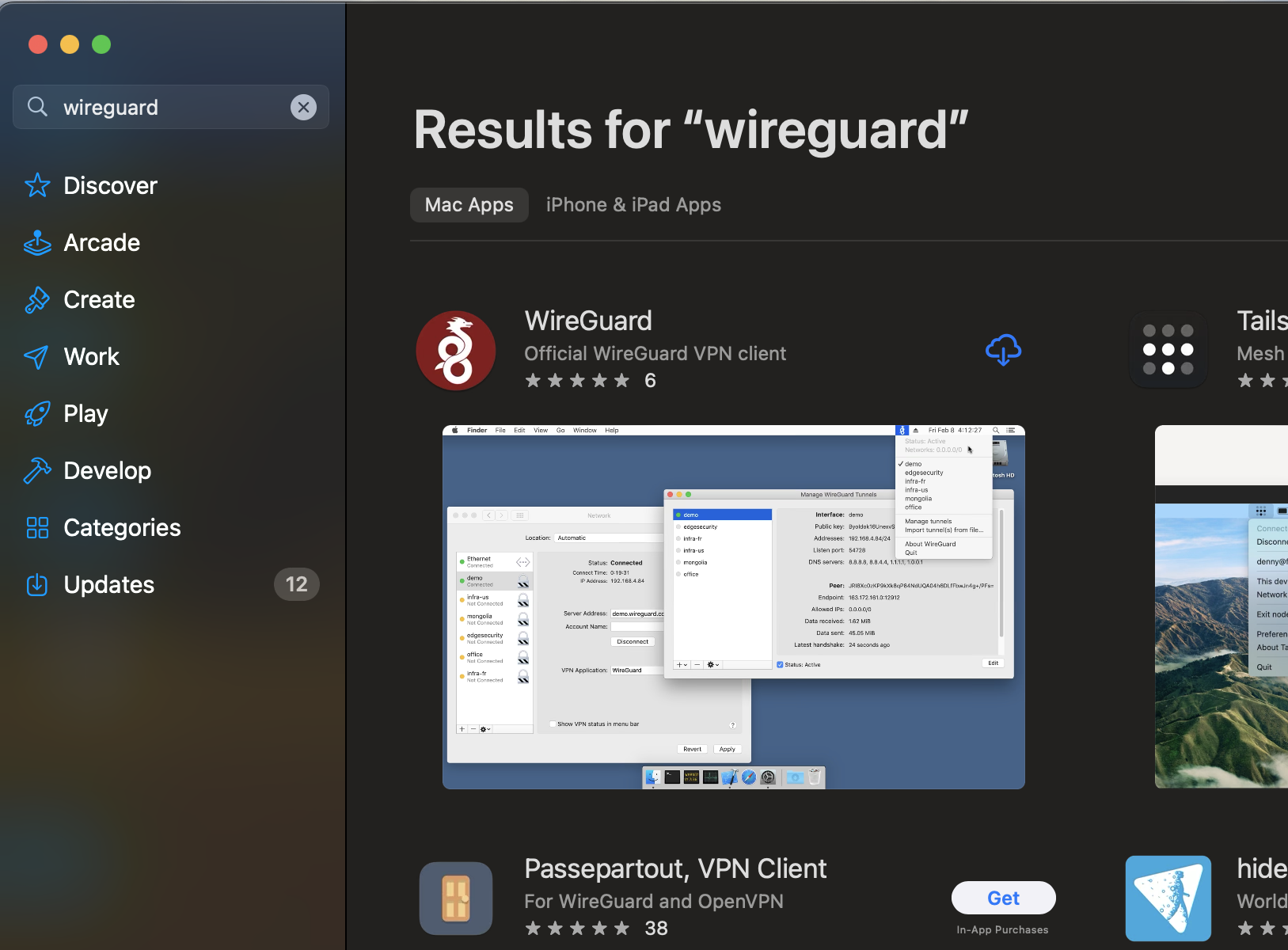
Step 03 - Download WireGuard App
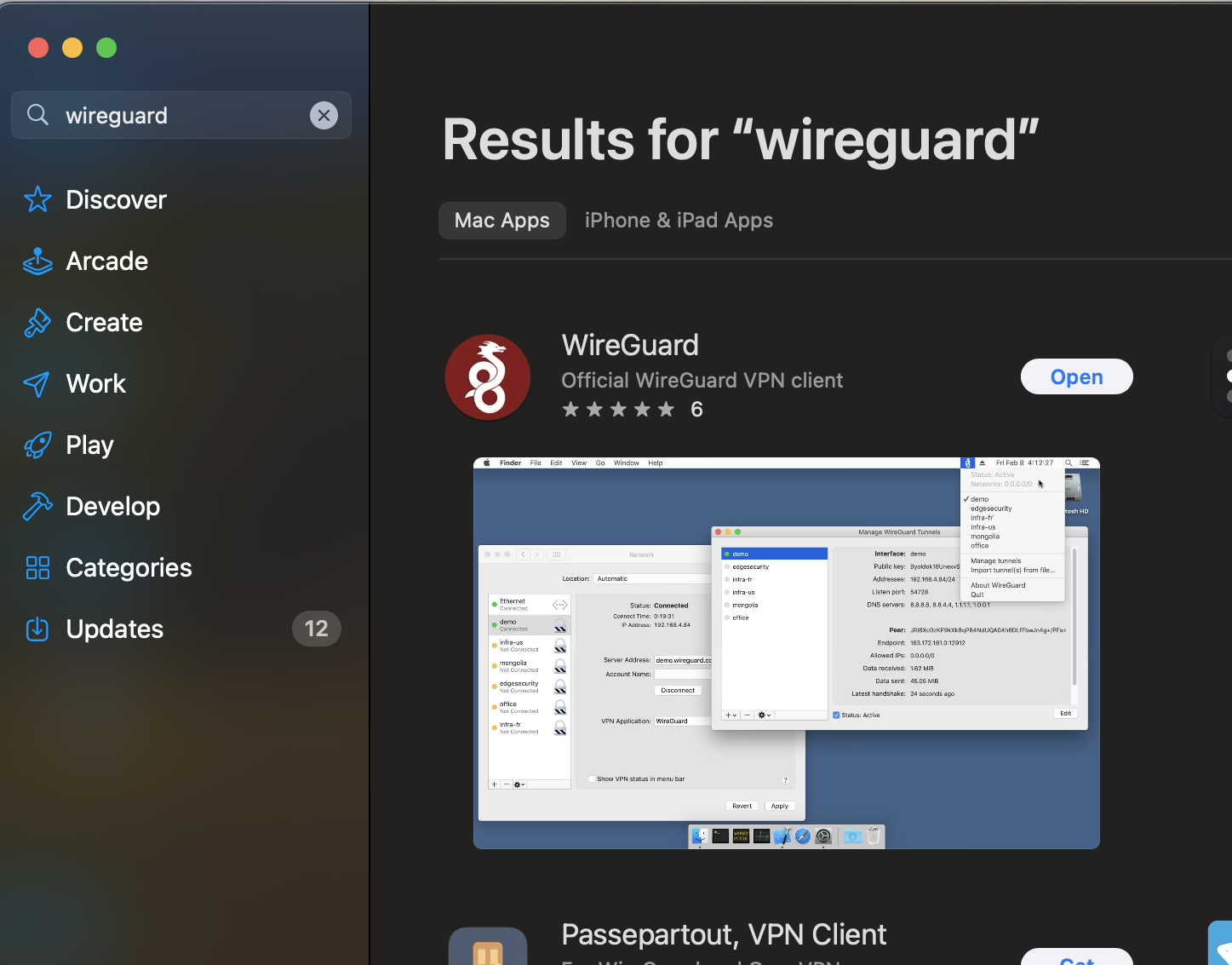
Step 04 - Click in 'open' to open WireGuard
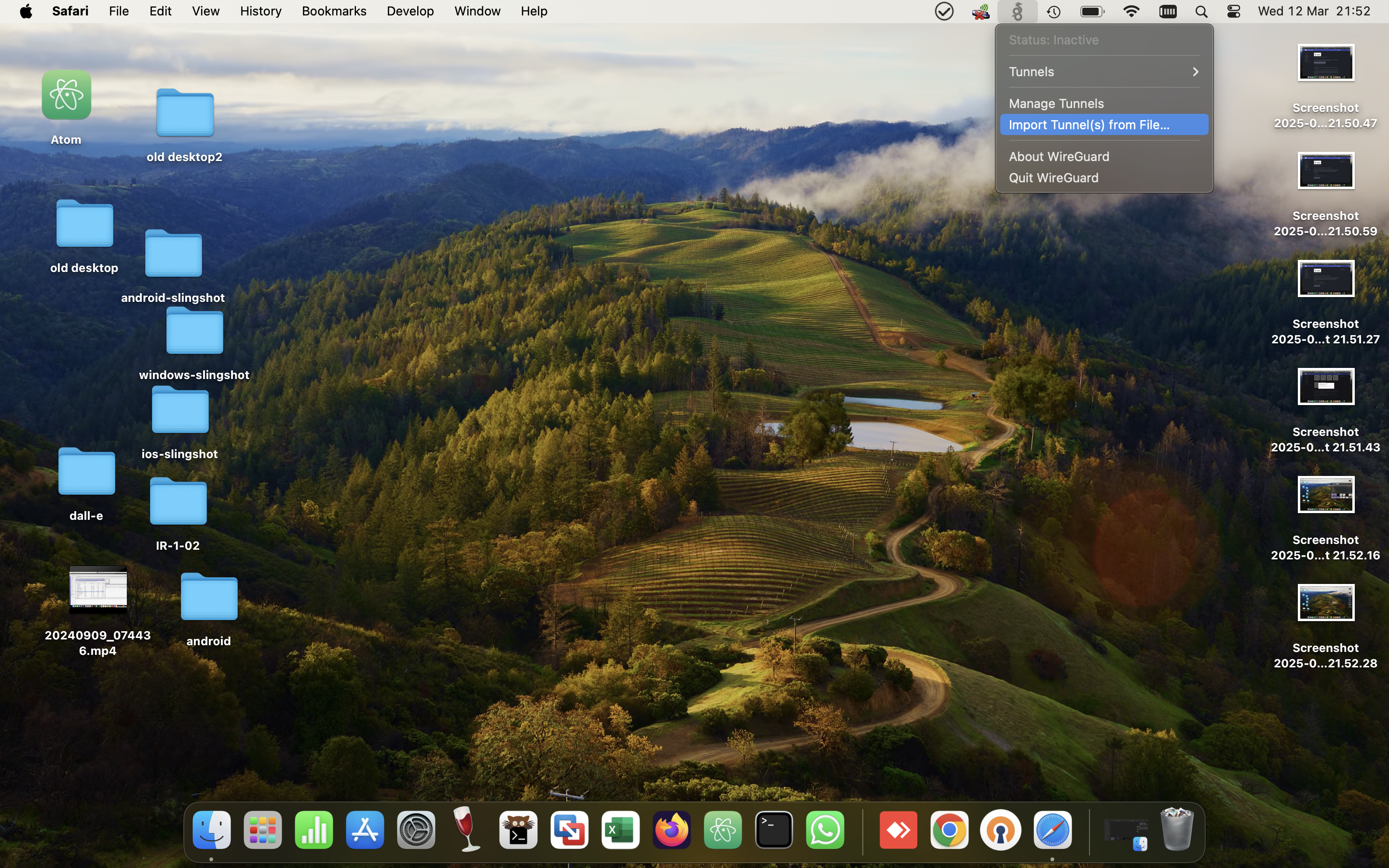
Step 05 - Click in WireGuard icon and Choose 'Import tunnel from file'
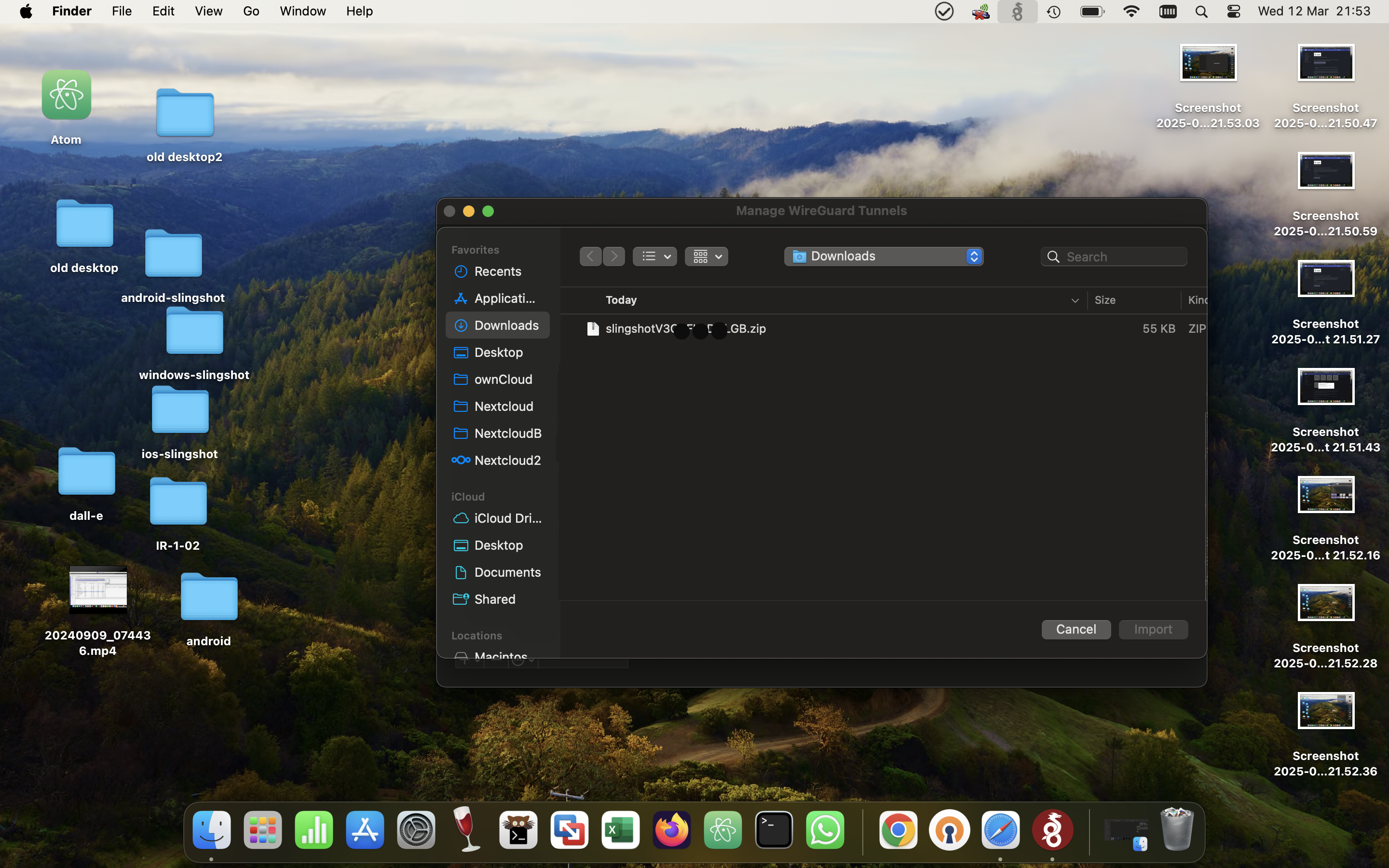
Step 06 - Choose your generated archive from SlingshotVPN site
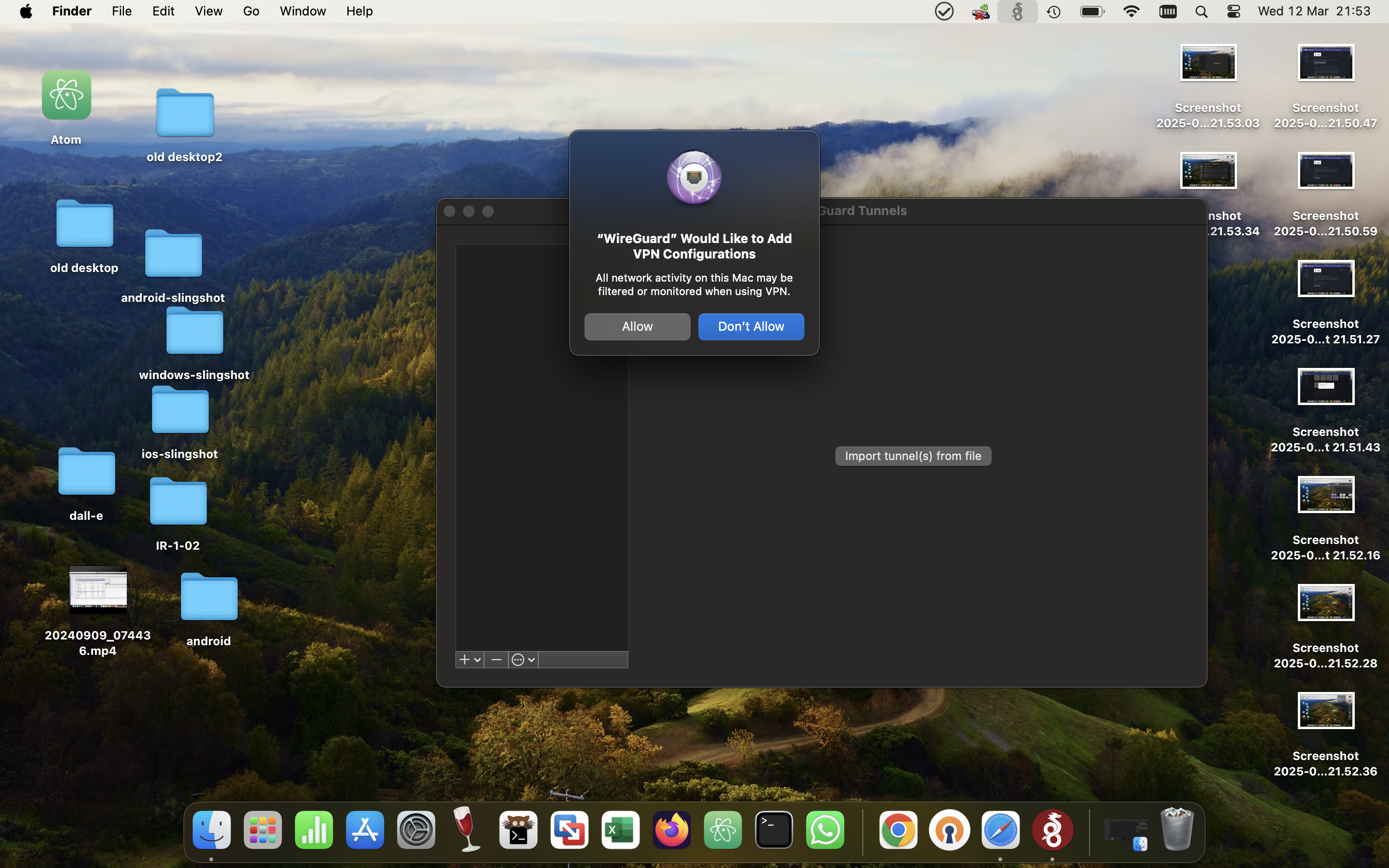
Step 07 - Click in 'Allow' to Add WireGuard in VPN Configurations
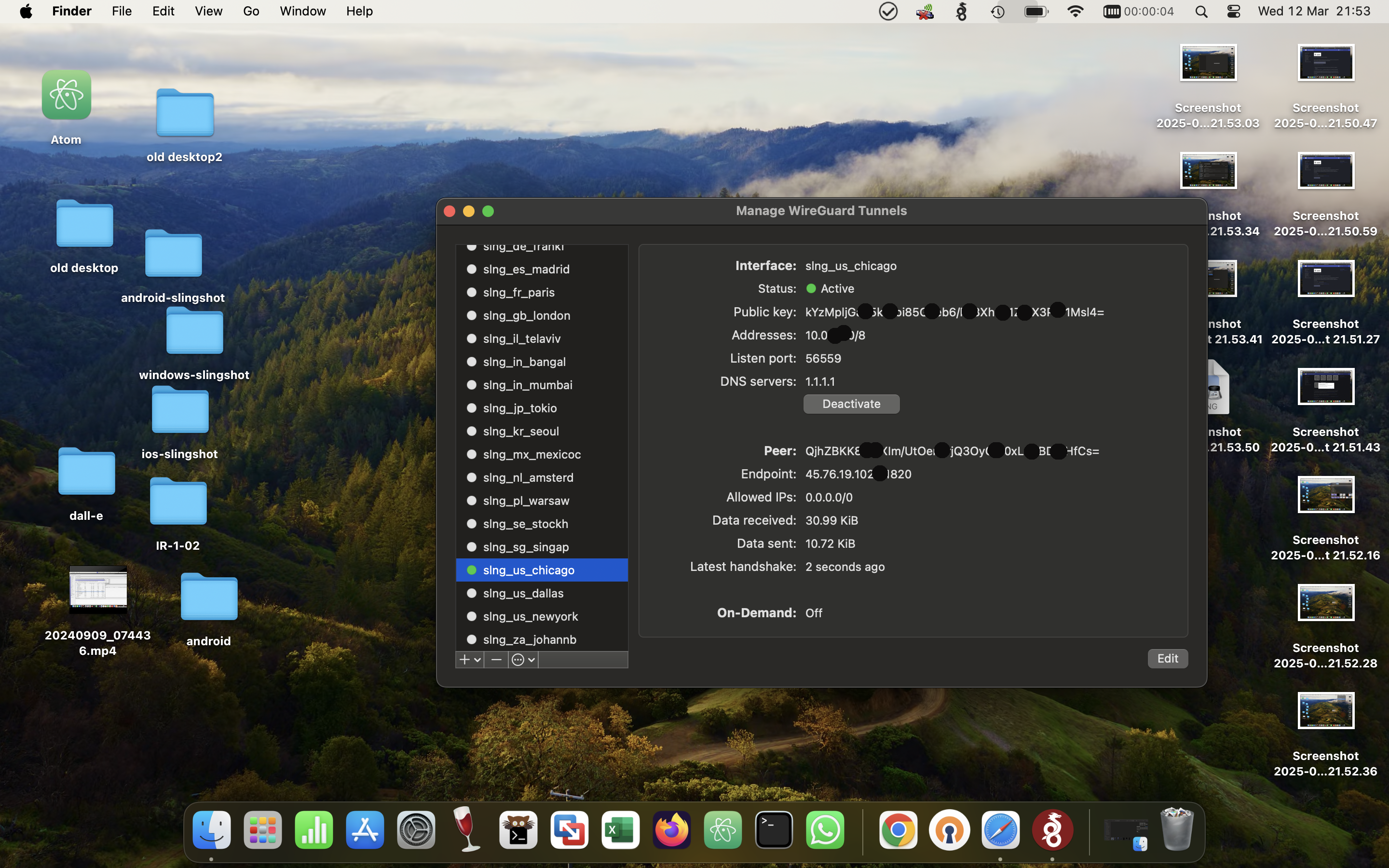
Step 08 - Click in a slingshot-wireguard tunnel and Click in 'Activate' Button
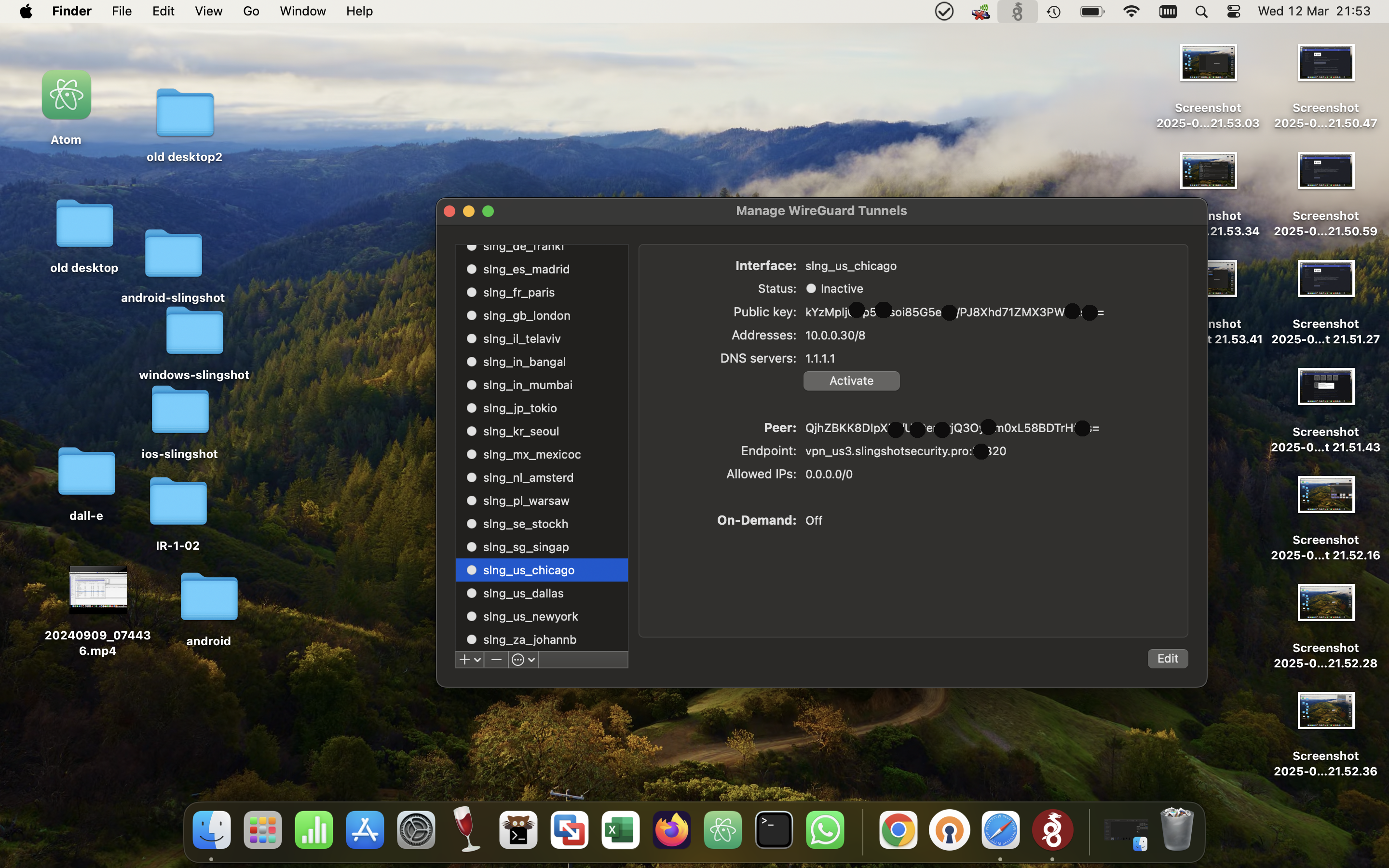
Step 09 - Now the VPN is connected
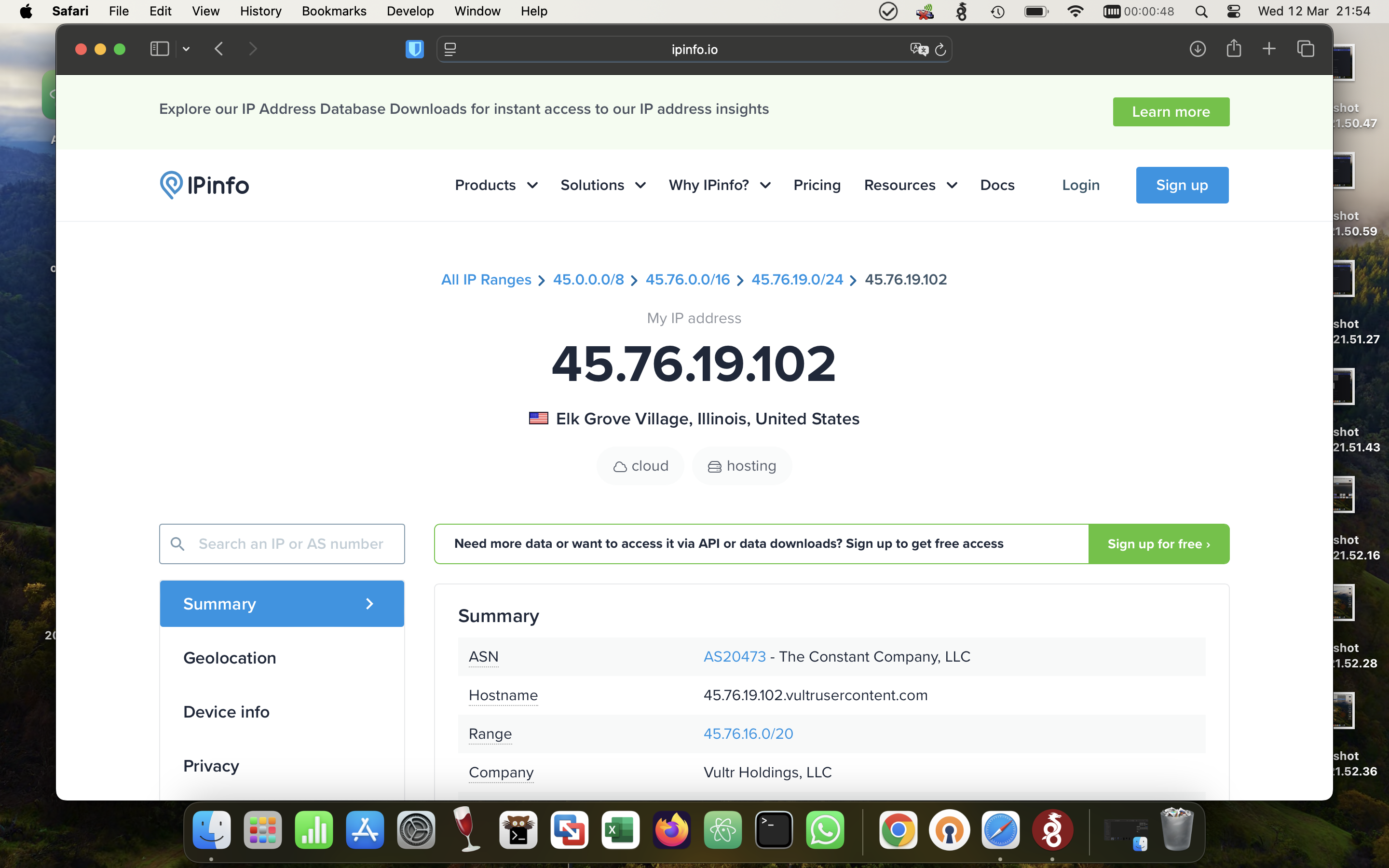
Step 10 - Open a browser and check the VPN IP Addreess in www.myip.com
Last reviewed for accuracy: by Bruno Schroeder